
Monitor VOS Device System-Level Information
 For supported software information, click here.
To monitor device system-level information on a Versa Operating SystemTM (VOSTM) device:
- (For Releases 22.1.1 and later) In Director view:
- Select the Monitor tab.
- Select an organization, and then select the Devices tab.

- Select a VOS device.
- Select the System tab.

- (For Releases 21.2 and earlier) In Director view:
- Select the Configuration tab in the top menu bar.
- Select Devices > Devices in the horizontal menu bar.
- Select a device in the main pane. The view changes to Appliance view.
- Select the Monitor tab in the top menu bar.
- Select the provider organization in the left menu bar.
- Select the System tab in the horizontal menu bar.

This screen displays information about the following system-level resources:
- CPE Resources—Displays CPU, disk, and memory usage for all devices.

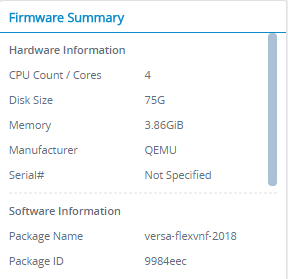
- Firmware Summary—Displays the hardware and software system-level information.
- Device Summary—Displays a map showing the device location and address.

- System Overall Status—Displays the status of all processes running on the system.

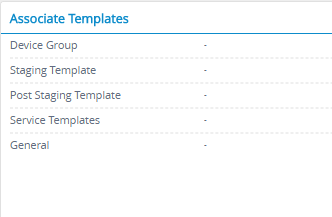
- Associate Templates—Displays the names of the templates associated with the device.
- NTP Client Statistics—Displays the NTP and time statistics.

- License—Displays the license mode and status.

Supported Software Information
Releases 20.2 and later support all content described in this article.